
Expense Report Templates: Printable Forms and Editable Options
Use an expense report template to list dated costs, payment methods and receipts. The browser form separates company-card spending from personal spending, applies your mileage rate and subtracts a cash advance.
- Free to use
- No sign-up
- Runs in your browser
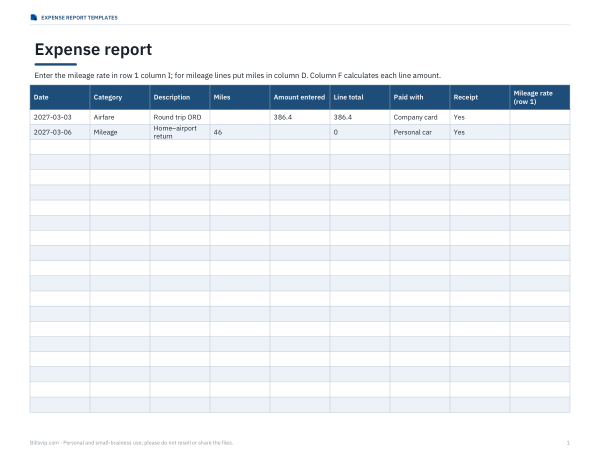
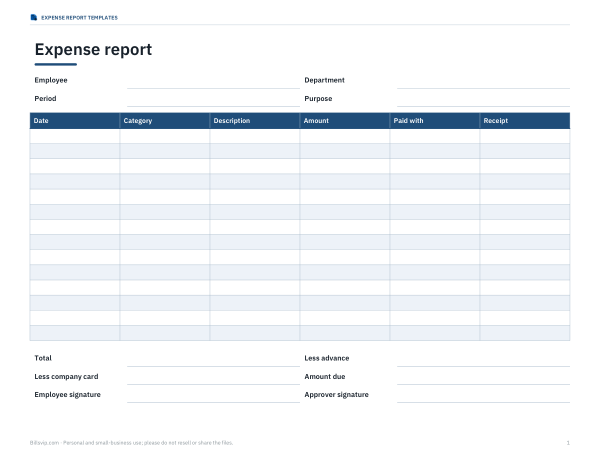
Expense report
Expense Report Templates
Pay for editable Excel and Word sources. All five PDFs are free below. Includes instructions; the policy file is a blank worksheet, not a completed policy.
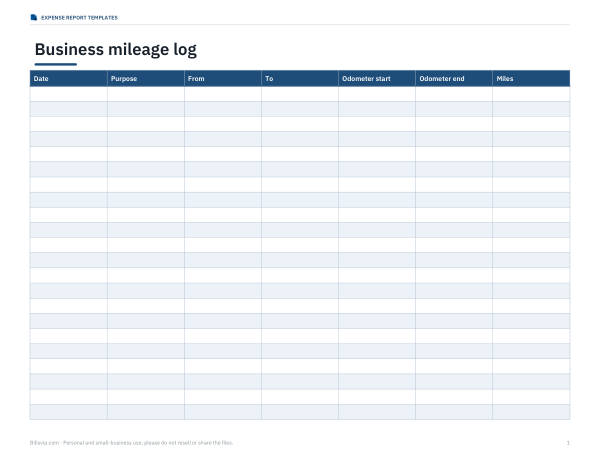
Excel expense report with automatic mileage, category totals and advances, a printable expense report form, a mileage log, a receipt checklist sheet and a travel expense policy planning worksheet.
- Expense report (XLSX)
- Printable form (PDF/DOCX)
- Mileage log (PDF/DOCX/XLSX)
- Receipt checklist (PDF/DOCX)
- Policy planning worksheet (DOCX/PDF)
Formats: XLSX, PDF, DOCX. Instant download after payment (link valid 72 hours, up to 5 downloads). AI-assisted: the templates were drafted with AI help and reviewed and laid out before publishing.
$5.00 USD, one-time 5 template types · 12 files including instructions
- Instant download
- 7-day refund
- Secure checkout by Stripe
7-day money-back guarantee. Full refund within 7 days of purchase, even after you download.
Free sample: Expense Policy Worksheet (PDF)
Full refund within 7 days — see the refund policy and license.
Free printables
Single sheets you can print right now, no sign-up. The full pack adds every sheet in one download plus the editable files.
 Printable Receipt Checklist
 Travel and Expense Policy Worksheet
A fictional reimbursement example
| Step | Example amount |
|---|---|
| Total recorded expenses | $150.00 |
| Paid with company card | − $40.00 |
| Cash advance already received | − $20.00 |
| Amount owed to employee | $90.00 |
The populated form contains fictional demonstration entries. Replace them with your own records. Enter the mileage rate supplied by your organisation, including zero if appropriate; no official rate is assumed. A negative net balance means the employee owes money back.
Choose how to prepare the report
| Task | Existing resource | What to check |
|---|---|---|
| Print a blank form | Printable expense report | Free static PDF |
| Review a longer layout | Expense report sheet | Free PDF despite xlsx in the page address |
| Collect supporting records | Receipt checklist | Match receipts to line items |
Editable files belong to the paid pack described above. The browser form can export CSV or print when required entries are valid; it does not send a report to your employer or determine reimbursement eligibility.
Frequently asked questions
Is the free download an Excel workbook?
The individual free sheets are PDFs. A page address containing xlsx does not make that download an editable workbook.
Why is the mileage rate blank?
You must enter the rate appropriate to your organisation and report. The form does not supply an official rate.
What happens when an advance is larger than the balance?
The net result is labelled as an amount the employee owes back.